
Flipline Blog
NEW FLIPDECKS PREVIEWS GAMES Q&A UPDATES FAN ART CONTESTS

Category: Preview

Sneak Peek: The Top Station!

comments Comments Off
By , May 26, 2026 3:01 pm

Hey Everyone!!!

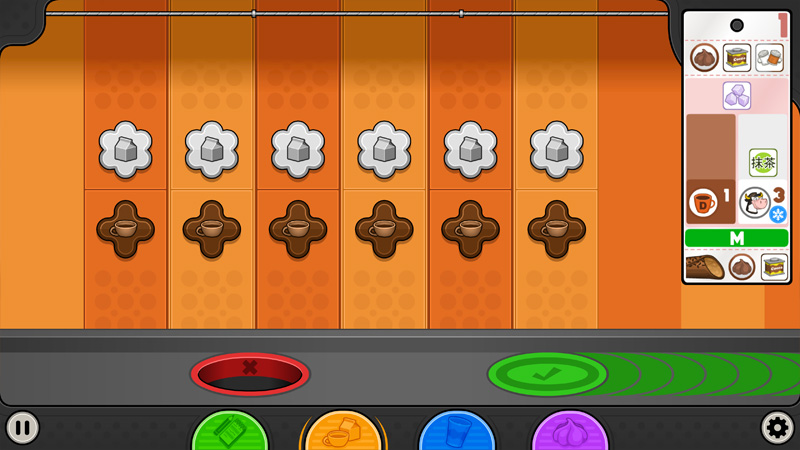
We are back this week with another preview of Papa’s Mocharia Deluxe, and this time we are headed to the Top Station! All of the toppings for a Papaccino are located at the top of the order ticket and are applied from left to right.

The first item on our list is a dollop of chocolate mousse. All creams are placed on a spinning carousel, so all you have to do is grab the cream of your choice and drag it along the carousel until it is positioned over the cup. Center it just right, then release to drop the perfect dollop!
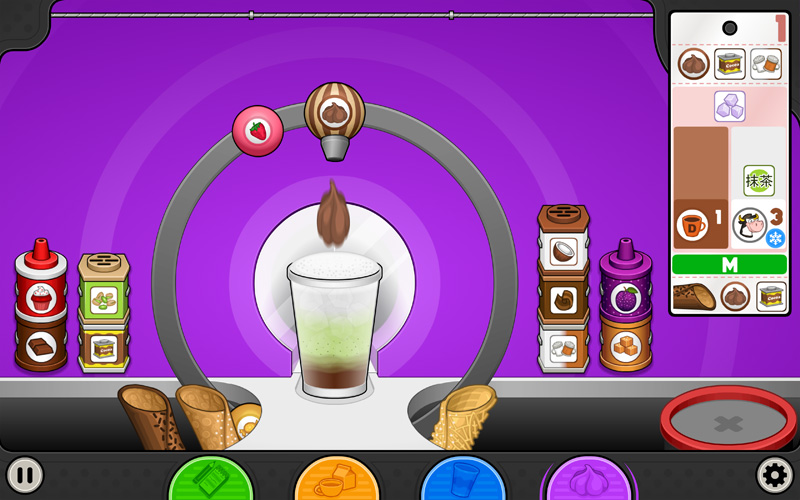
The next two items on our topping list are cocoa powder and cinnamon sugar, both of which are shakers. The syrups and shakers are conveniently located along the back wall of the Top Station. Just grab one from its holder and drag it to the cup. Release the mouse to start pouring, making sure to move left and right in order to cover the top of the drink evenly.
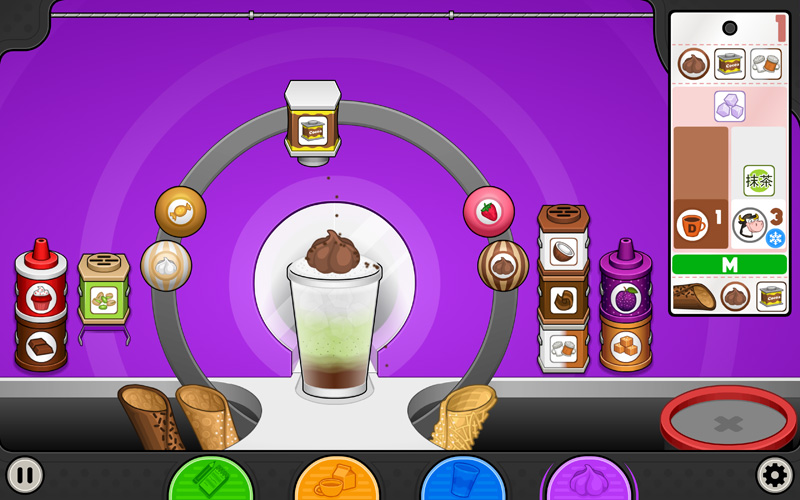
Before, during, or after you make the Papaccino, you can build the customer’s cannoli. The directions for this are located at the bottom of the ticket. First, click on the shell of choice, then drag the cream just like you would for the drink. Only one squeeze is needed to fully fill the cannoli, so you’ll want to make sure it’s nice and centered.
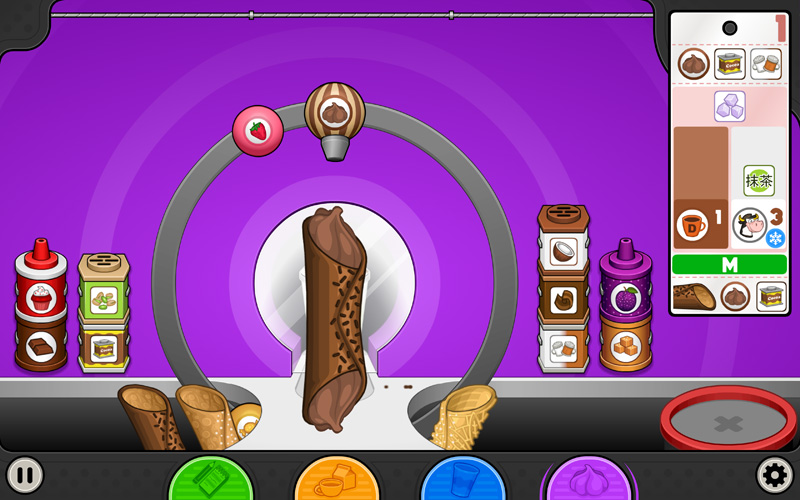
The last piece of the cannoli puzzle is the shaker. Just grab, drag, and release to give it one quick shake. Do this for the other side, and you will have a finished cannoli.
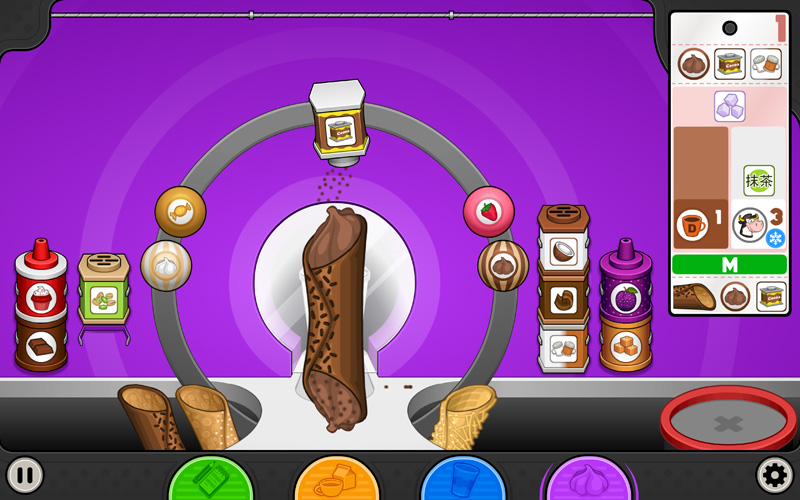
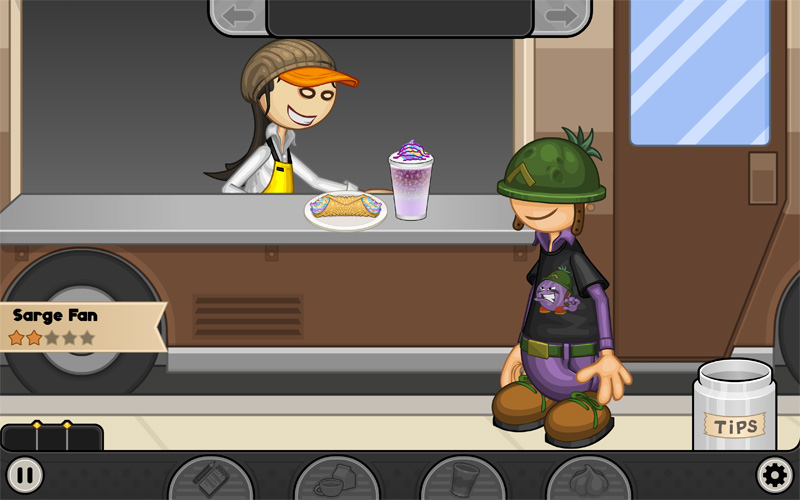
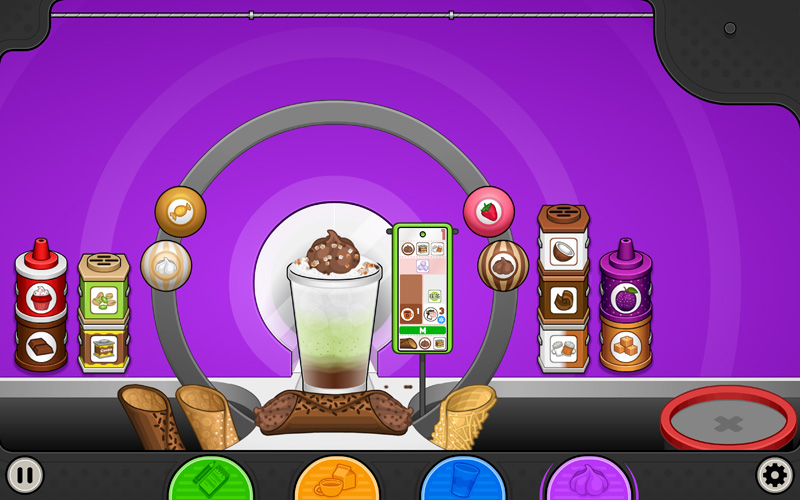
Once both the Papaccino and cannoli are complete, all that’s left to do is drag the order ticket to the green ticket holder and send it off to your patiently waiting customer.
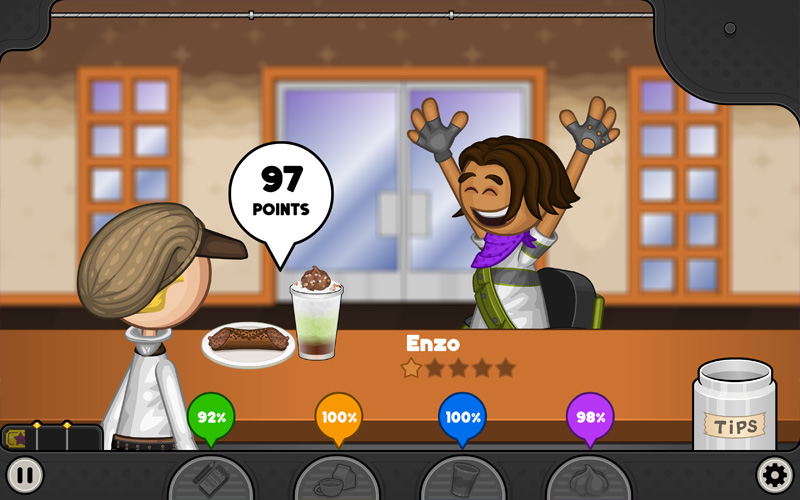
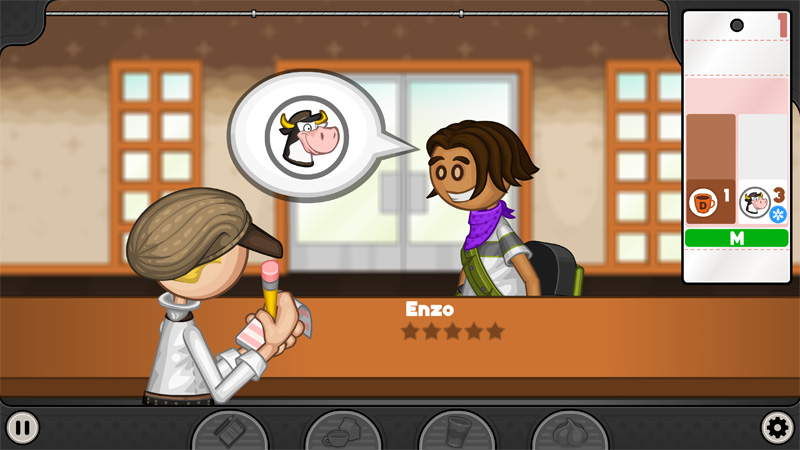
Hey, look at that, Enzo is pleased with his order!
 

You can head over to the game’s page on Steam now to view more information, trailer, and screenshots before the release, and most importantly, add it to your Wishlist on Steam so you don’t miss the launch! Adding it to your Wishlist doesn’t cost anything, and when the game launches on Steam you’ll receive an email letting you know about the release! Click below to view the Steam page, and click the green “Wishlist on Steam” button below to add it to your Wishlist:

Stay tuned for more Sneak Peeks of Papa’s Mocharia Deluxe!

Sneak Peek: The Brew Station and Build Station!

comments Comments Off
By , May 19, 2026 3:13 pm

Hey Everyone!!!

Today we’re going to walk you through the first two stations in Papa’s Mocharia Deluxe! But before we start brewing and building, you’ll need to head to the lobby and take your first order of the day.

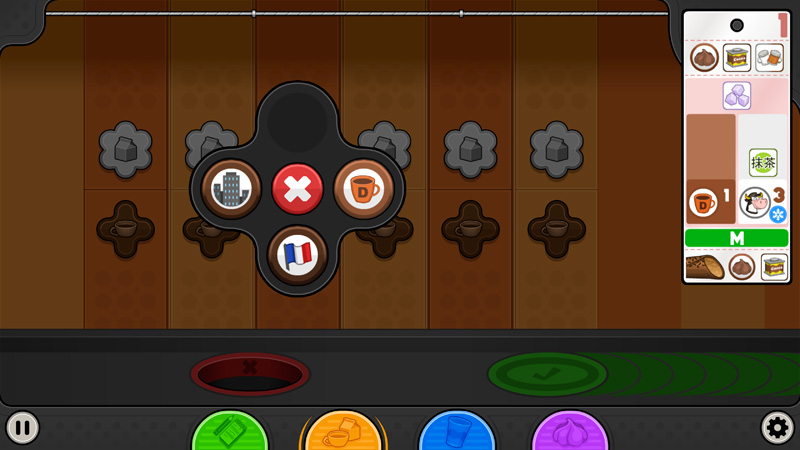
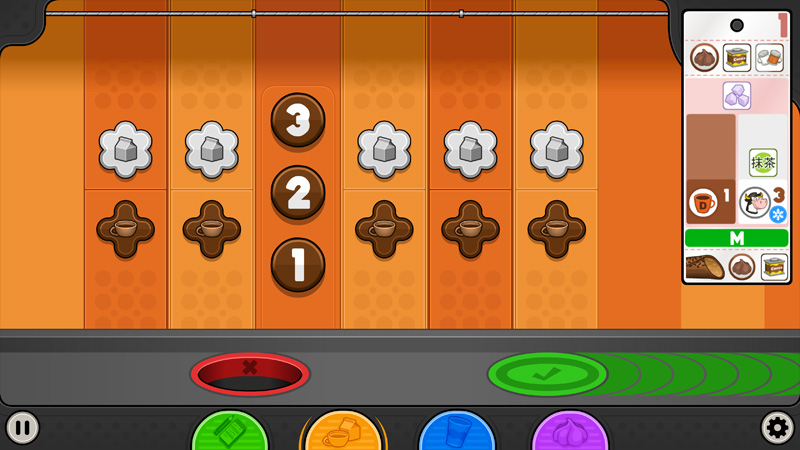
Once that’s taken care of, you’ll head over to the Brew Station, where you’ll prepare the coffee and milk for the order.

Clicking on the coffee button will bring up a selection menu with all of the available coffees you can brew. For this order, Enzo wants Decaf Coffee.

Next, you’ll choose how much coffee to brew. According to the ticket, Enzo only needs one shot.

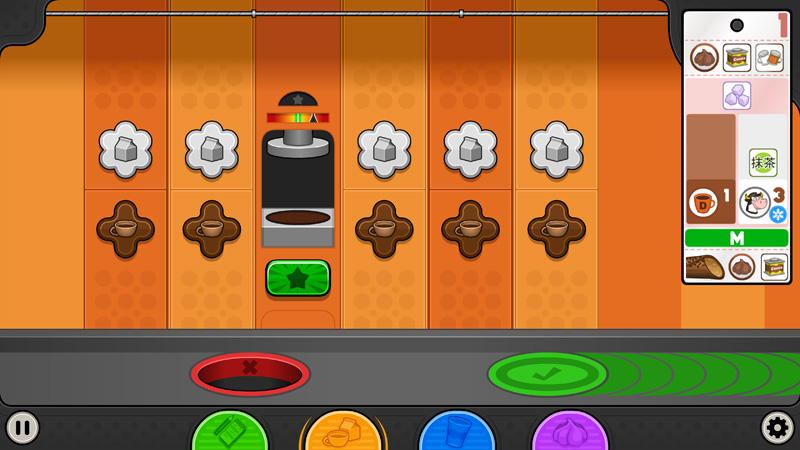
After making your selections, the final step is tamping down the coffee grounds evenly. Use the meter to line up the tamper as close to the center as you can.

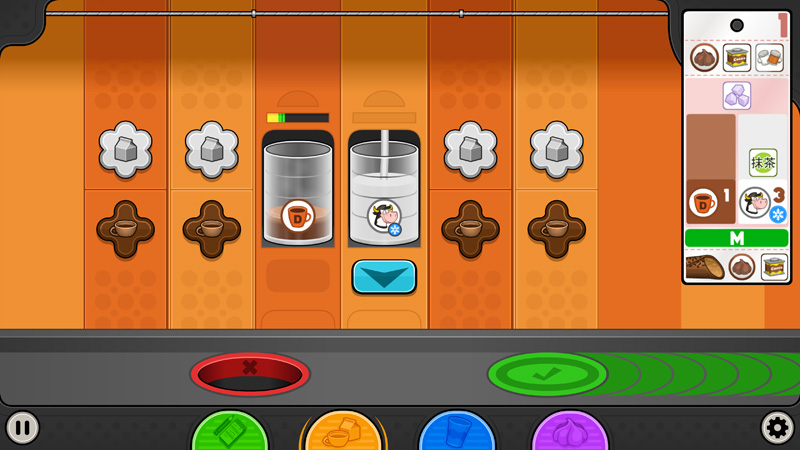
When it’s time to froth the milk, you’ll start by choosing the type of milk. For Enzo’s order, we’ll be using regular White Milk. Then you’ll choose whether the milk should be hot or cold. Once that’s set, hold down the blue button to fill the glass with the right amount of milk, using the etched lines as your guide.

It will take a little bit of time for the coffee to brew and the milk to finish frothing. Once they’re ready, drag the tumblers to the green check mark to send them over to the Build Station.

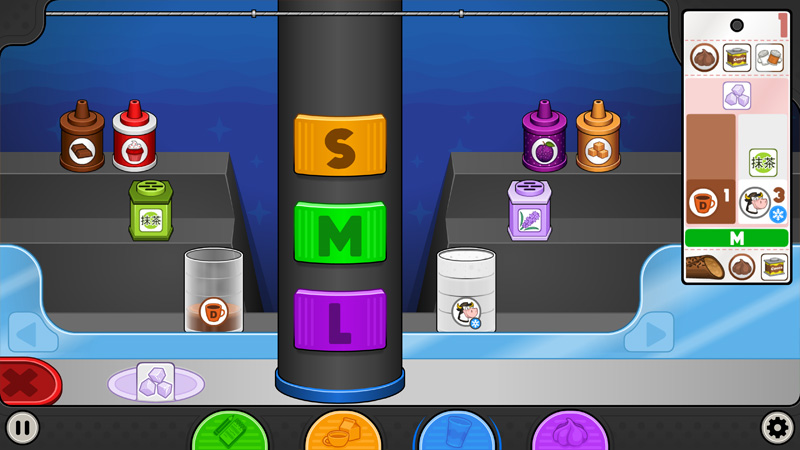
At the Build Station, you’ll first select the cup size that the customer ordered. For Enzo, we’ll be making a Medium Papaccino.

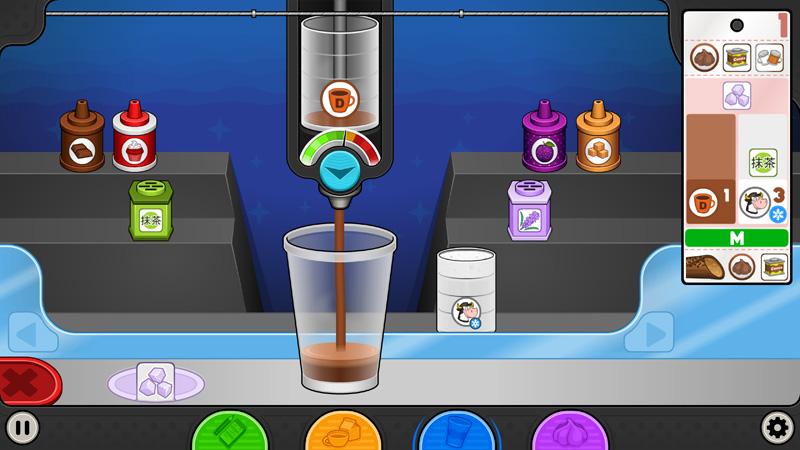
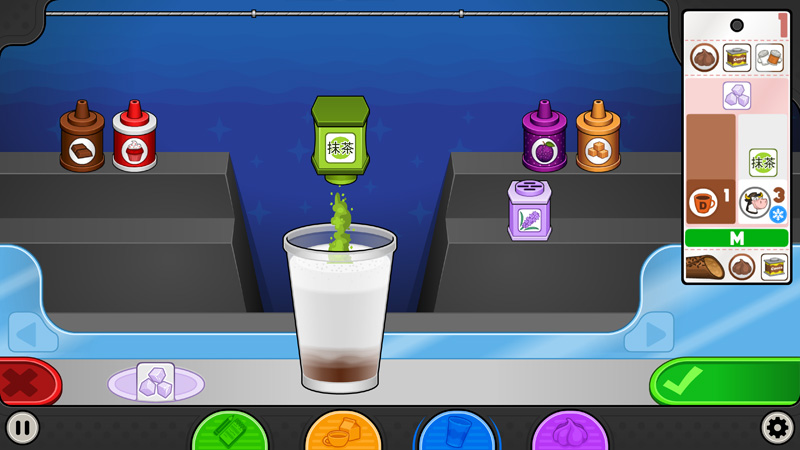
For the coffee and milk, drag each tumbler toward the cup to bring the pouring machine into view. Place the tumbler in the machine, then hold down the blue button to carefully pour the liquid. Keep an eye on the meter, because if it reaches the red zone, the pour might start to get out of control!

Powders and syrups are much easier to add. Just drag them off the shelves and drop them right into the cup.

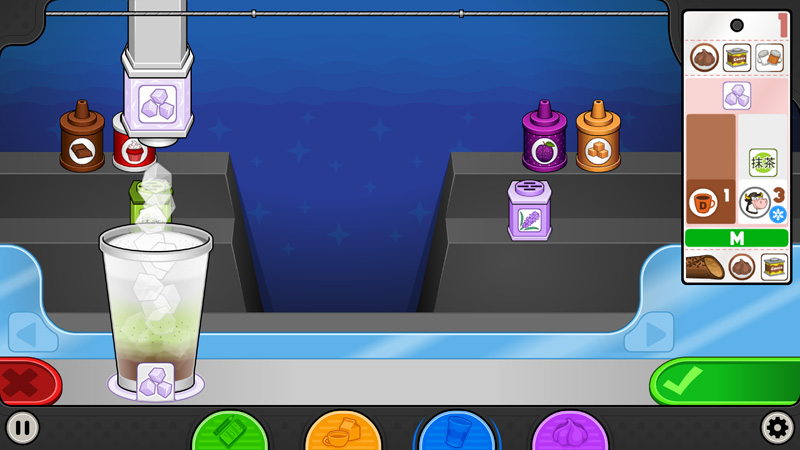
If your order needs ice, drag the cup over to the ice machine and fill it up.

Once the Papaccino is fully built, it’s time to send it over to the Top Station!


You can head over to the game’s page on Steam now to view more information, trailer, and screenshots before the release, and most importantly, add it to your Wishlist on Steam so you don’t miss the launch! Adding it to your Wishlist doesn’t cost anything, and when the game launches on Steam you’ll receive an email letting you know about the release! Click below to view the Steam page, and click the green “Wishlist on Steam” button below to add it to your Wishlist:

Stay tuned for more Sneak Peeks of Papa’s Mocharia Deluxe!
Sneak Peek: The Food Truck!

comments Comments Off
By , May 12, 2026 10:33 am

Hey Everyone!!!

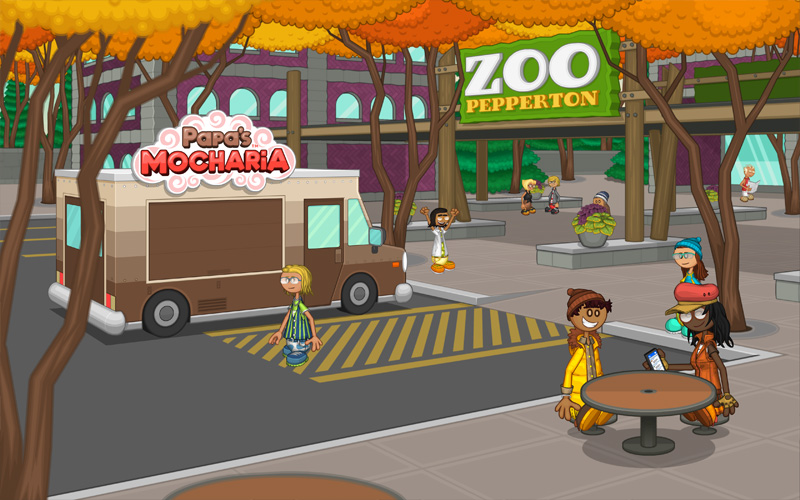
The Food Truck has arrived at Zoo Pepperton! Here, you can experiment with every ingredient you’ve unlocked throughout your gameplay and craft truly unique Papaccinos. You can also try to lure one of your favorite customers to the zoo by serving up their perfect order.


You can head over to the game’s page on Steam now to view more information, trailer, and screenshots before the release, and most importantly, add it to your Wishlist on Steam so you don’t miss the launch! Adding it to your Wishlist doesn’t cost anything, and when the game launches on Steam you’ll receive an email letting you know about the release! Click below to view the Steam page, and click the green “Wishlist on Steam” button below to add it to your Wishlist:

Stay tuned for more Sneak Peeks of Papa’s Mocharia Deluxe!
   Home  |   Games  |   Apps  |   About  |   Contact  |   Terms of Use  |   Privacy Policy  |   Blog  |   Forum  |   Shop  |  Free Games for your Site  |  Flipdeck  |   © 2026 Flipline IDS LLC