Hey Everyone!
Welcome back to another sneak peek of Papa Louie Pals! This week we will be showing you how to change the backdrop of a scene. Last week, we showed you how to choose Pals and add them to your scene.
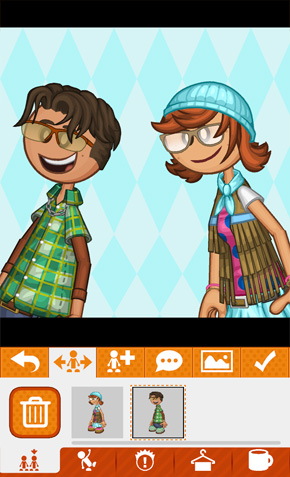
As you may have noticed, the scene’s backdrop had a light-blue diamond pattern. This can be changed by clicking on the  Backdrop button.
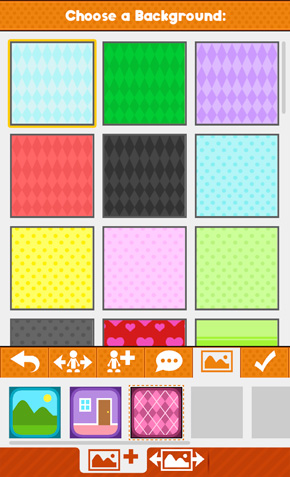
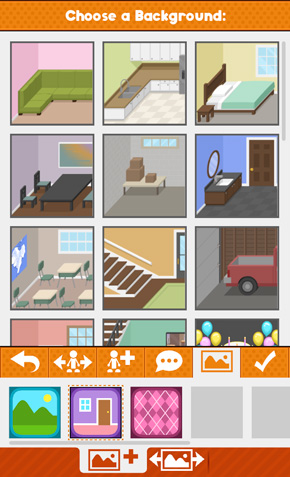
This will take you to the Choose Backdrop Section. Here you can pick from a wide variety of backdrops that are divided into three catagories:
 Pattern Backdrops
 Inside Backdrops
 Outside Backdrops
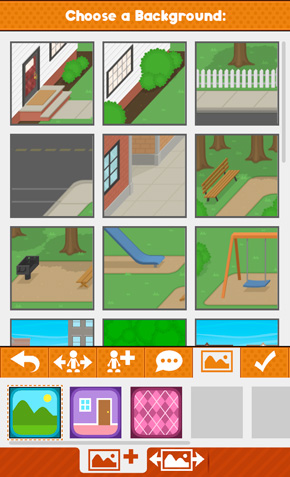
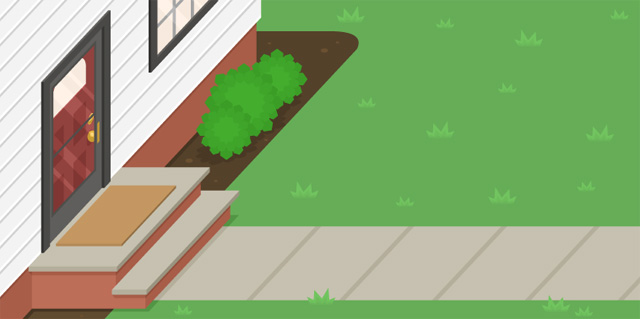
Although the thumbnails for the inside/outside backdrops are square, the actual image is much wider.
Once you have decided on the backdrop that you want, just click on it’s thumbnail to place it into the scene.
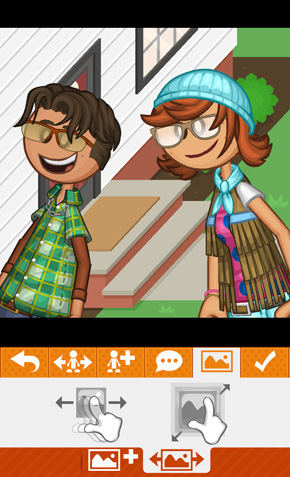
Once the backdrop is in place, you can move it, zoom it, or shrink it using these gestures:

That’s it for this week’s preview, stay tuned for more sneak peeks of Papa Louie Pals!
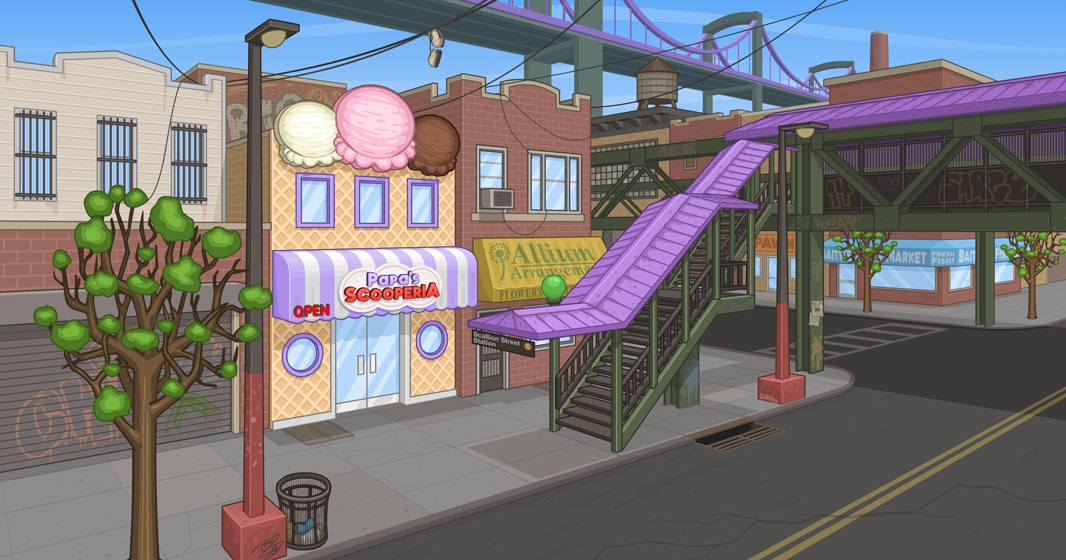
This week we are revealing the location of Papa’s Scooperia. For many years we have mentioned this town, and now we can finally show you what it looks like. Welcome to Oniontown!!!
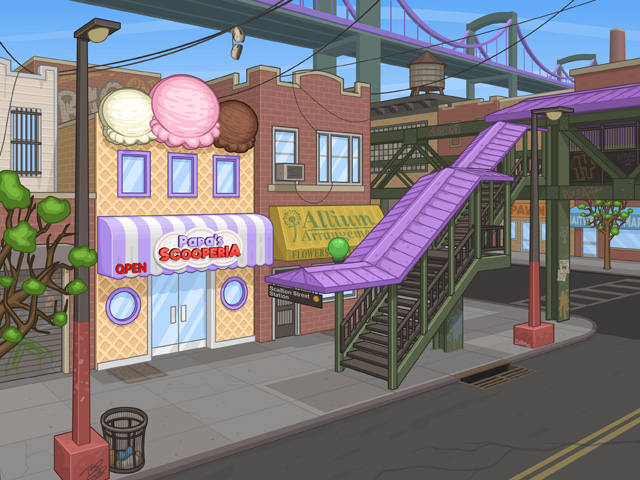
Click on the image above for a larger view!
Stay tuned for more sneak peeks of Papa’s Scooperia!
Hey Everyone!
Welcome back to another sneak peek of Papa Louie Pals! This week we are diving into Scene creation! Let’s start back at the home screen where all your Pals are hanging out.
To start making a scene, you will click on the  Scenes Button.
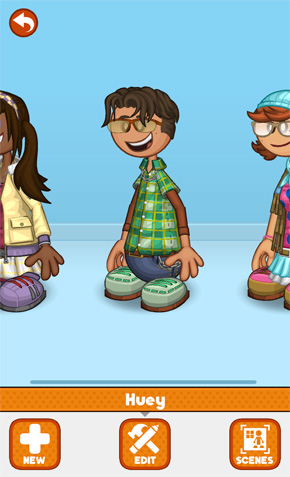
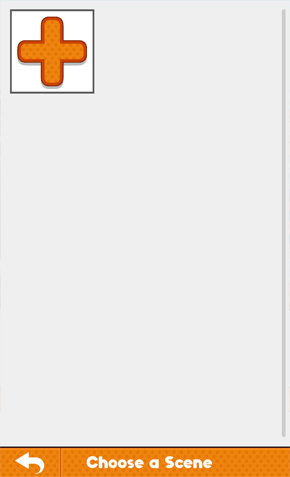
That will take you to the Scene selection page. Since we haven’t made any scenes yet, you will have to make one by clicking on the  New Scene Button.
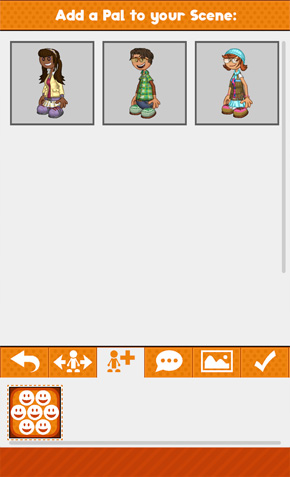
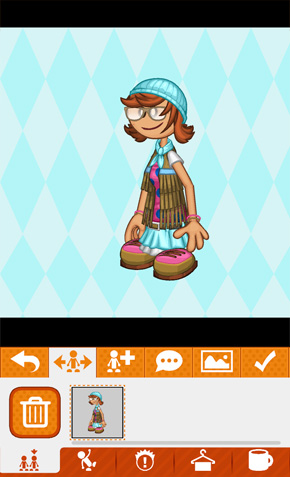
The very first thing you will need to do is add a Pal to your scene by clicking on one of their icons. Let’s start with  Pally. Once you do that, you will be in the main scene editor. You will start in the
  Pal Move section.
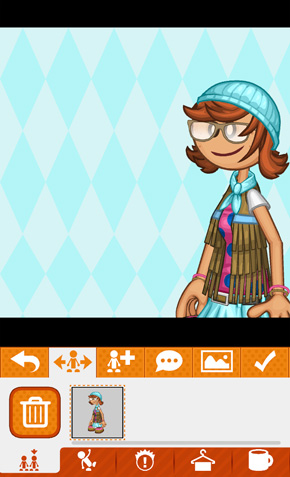
You can grab your pal with one finger and drag them around the scene. You can also scale and rotate them using two finger gestures: pinch to shrink, spread to enlarge, and twist to rotate. To add another Pal to the scene, just click on the  Add Pal button.
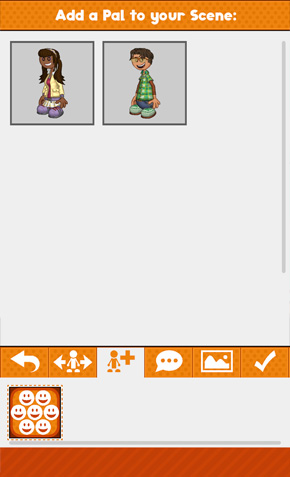
There you will see your remaining Pals, click on their  icon to add them to the scene!
That’s it for this week’s preview, stay tuned for more sneak peeks of Papa Louie Pals!






 Comments Off