
Flipline Blog
NEW FLIPDECKS PREVIEWS GAMES Q&A UPDATES FAN ART CONTESTS

Sneak Peek: The Brew Station Part 2

comments Comments Off
By , February 2, 2021 4:37 pm

Hey Everyone!!!!

Last week we went over how to froth the milk in the Brew Station of Papa’s Mocharia To Go. This week we will tackle the mechanics of brewing espresso!

As you can see the milk is still slowly getting frothed and heated.

First you will click on the espresso button on one of the brewing machines. That will bring up all the available types of coffee. Here, we will be choosing City Roast.

From there, it will ask you how much coffee needs to be sent through the grinder. For this order, we will need enough for 2 shots of espresso, so we will press the #2 button.

After the coffee grounds are prepared, you will need to tamp them down by clicking the green button when the meter arrow is within the green zone.

After that, the espresso will slowly brew. Once the milk or espresso is finished simply drag that cup to the green check pad.

Stay tuned for more sneak peeks of Papa’s Mocharia To Go!


Papa Louie Pals: Scenes and a Preview!

comments Comments Off
By , January 29, 2021 11:07 am

Hey Everyone!

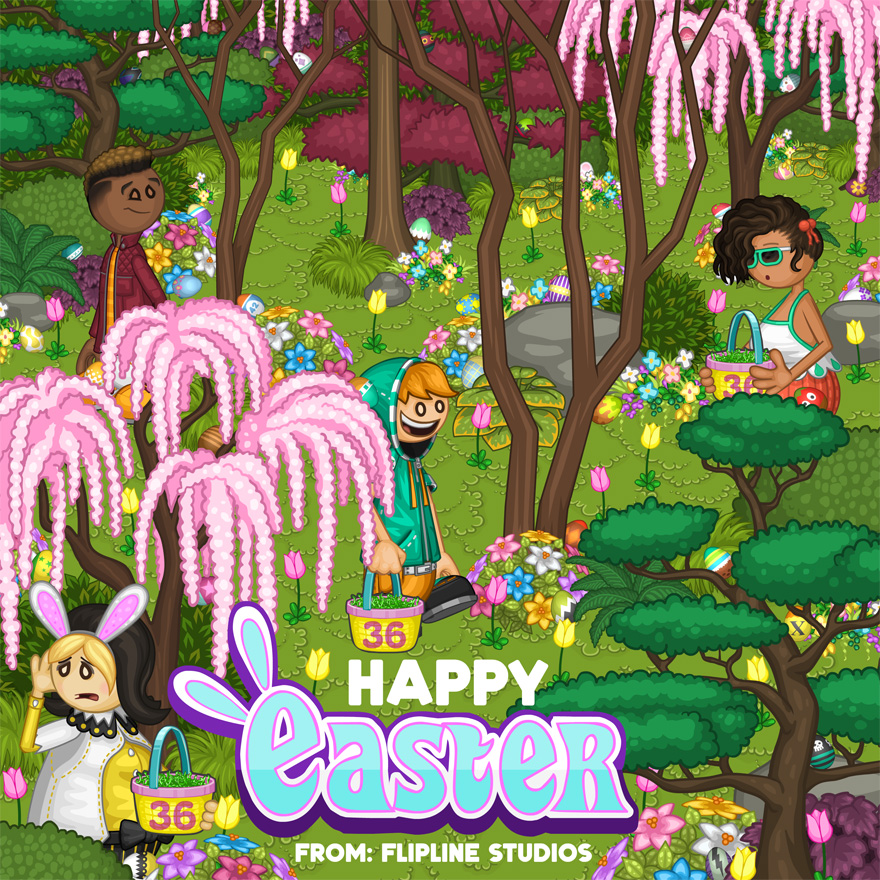
Hope you all are having fun with the newest Papa Louie Pals update! Check out this new freebie backdrop that will be appearing in the next update!

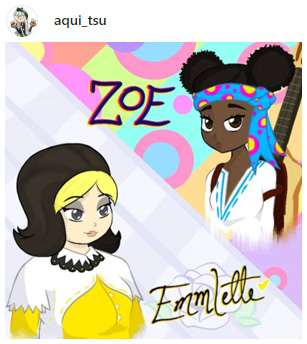
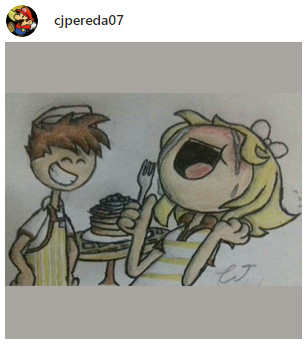
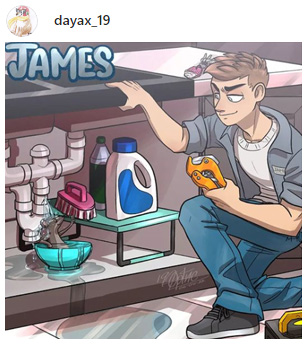
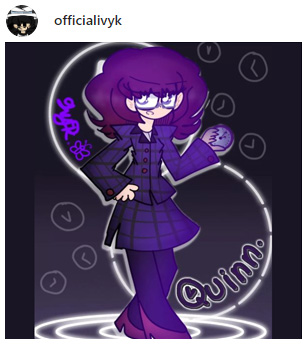
Here are a few fan-made scenes from Papa Louie Pals!  Don’t forget to use #papalouiepals when posting your favorite scenes! For more detailed information click here.

Get it today for iPhones, iPads,  Amazon Fire Tablets, Android Phones, and Android Tablets!

 iPhone & iPad

 Google Play

 Amazon Appstore

Sneak Peek: The Brew Station Part 1

comments Comments Off
By , January 26, 2021 1:21 pm

Hey Everyone!!!!

Get ready… this is our introduction to the first station in Papa’s Mocharia To Go!

Once you have an order, you will head over to the Brew Station to prepare the milk and espresso that forms the foundation of any good Papaccino.

Starting with the milk, we will click on the white milk carton button that will display all the types of milks that are available. Here, we will be choosing Skim Milk.

For the true Papaccino experience, you will need to properly froth the milk. Here you will choose whether you want the milk to remain cold or heated up during the frothing. We will be choosing hot.

For this order, the customer requested 2 shots of skim milk. You’ll simply press and hold the blue pour button until the milk reaches the second line on the glass.

While you wait for the milk to finish frothing you can start brewing the espresso. We will save that for next week.

Stay tuned for more sneak peeks of Papa’s Mocharia To Go!


   Home  |   Games  |   Apps  |   About  |   Contact  |   Terms of Use  |   Privacy Policy  |   Blog  |   Forum  |   Shop  |  Free Games for your Site  |  Flipdeck  |   © 2026 Flipline IDS LLC