





Sneak Peek: The Brew Station and Build Station!

Hey Everyone!!!
Today we’re going to walk you through the first two stations in Papa’s Mocharia Deluxe! But before we start brewing and building, you’ll need to head to the lobby and take your first order of the day.
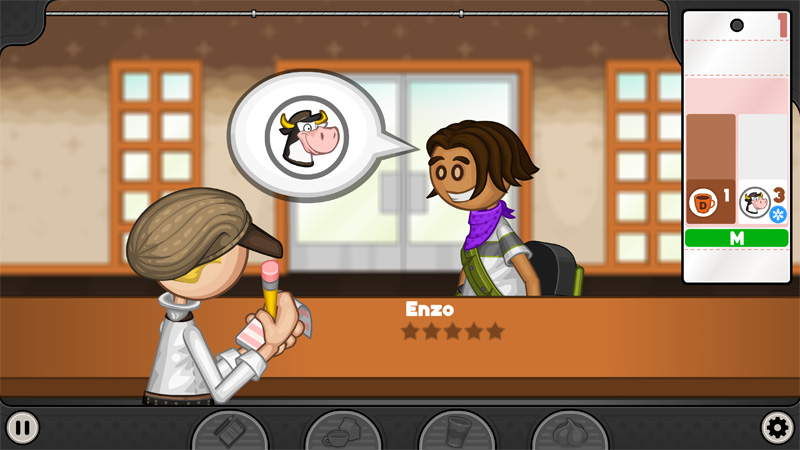
Once that’s taken care of, you’ll head over to the Brew Station, where you’ll prepare the coffee and milk for the order.
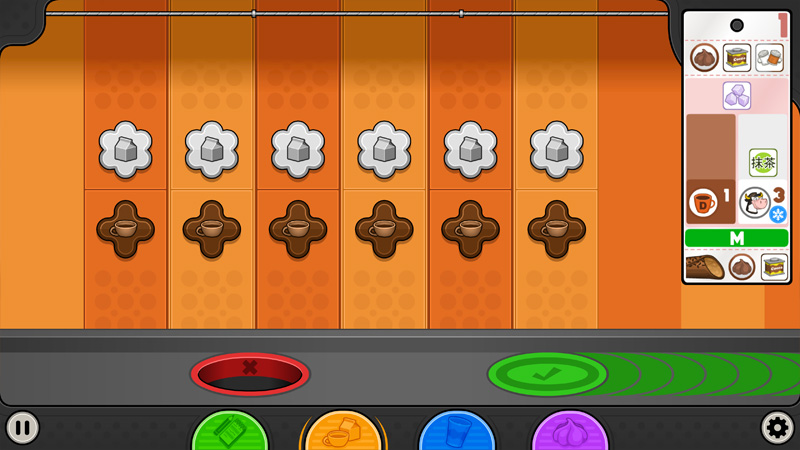
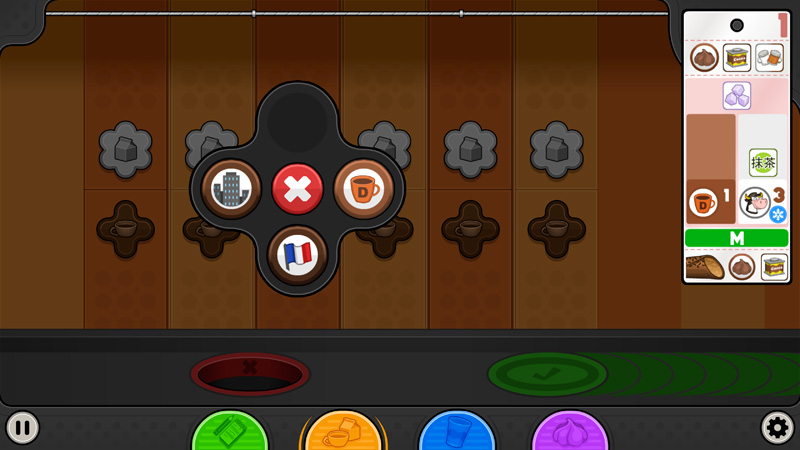
Clicking on the coffee button will bring up a selection menu with all of the available coffees you can brew. For this order, Enzo wants Decaf Coffee.
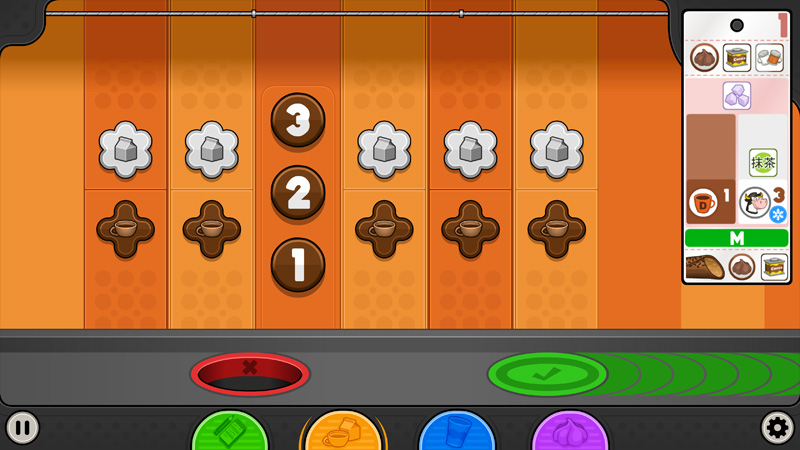
Next, you’ll choose how much coffee to brew. According to the ticket, Enzo only needs one shot.
After making your selections, the final step is tamping down the coffee grounds evenly. Use the meter to line up the tamper as close to the center as you can.
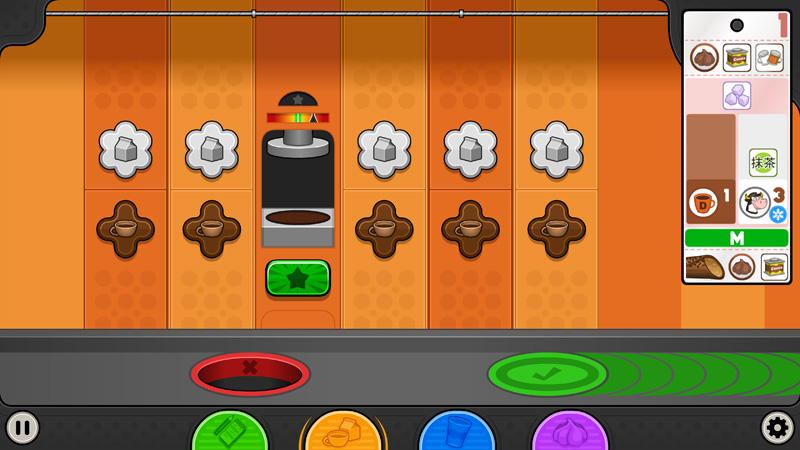
When it’s time to froth the milk, you’ll start by choosing the type of milk. For Enzo’s order, we’ll be using regular White Milk. Then you’ll choose whether the milk should be hot or cold. Once that’s set, hold down the blue button to fill the glass with the right amount of milk, using the etched lines as your guide.
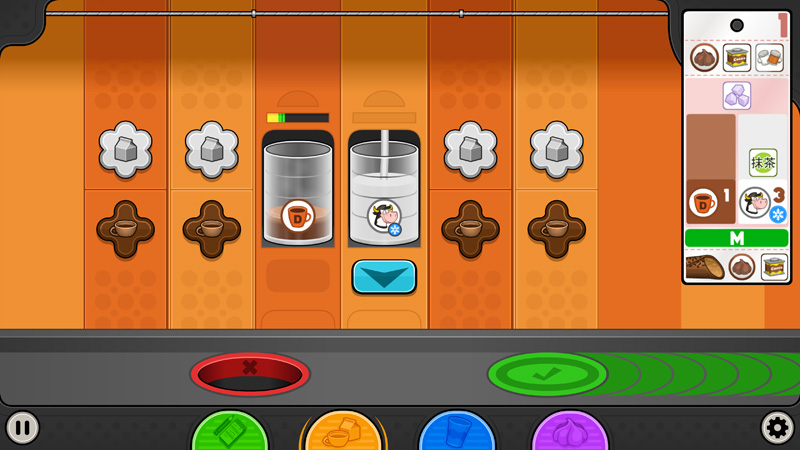
It will take a little bit of time for the coffee to brew and the milk to finish frothing. Once they’re ready, drag the tumblers to the green check mark to send them over to the Build Station.
At the Build Station, you’ll first select the cup size that the customer ordered. For Enzo, we’ll be making a Medium Papaccino.
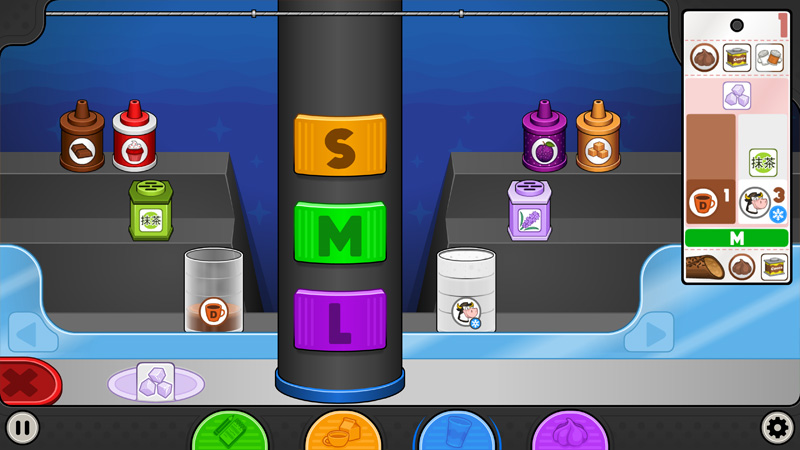
For the coffee and milk, drag each tumbler toward the cup to bring the pouring machine into view. Place the tumbler in the machine, then hold down the blue button to carefully pour the liquid. Keep an eye on the meter, because if it reaches the red zone, the pour might start to get out of control!
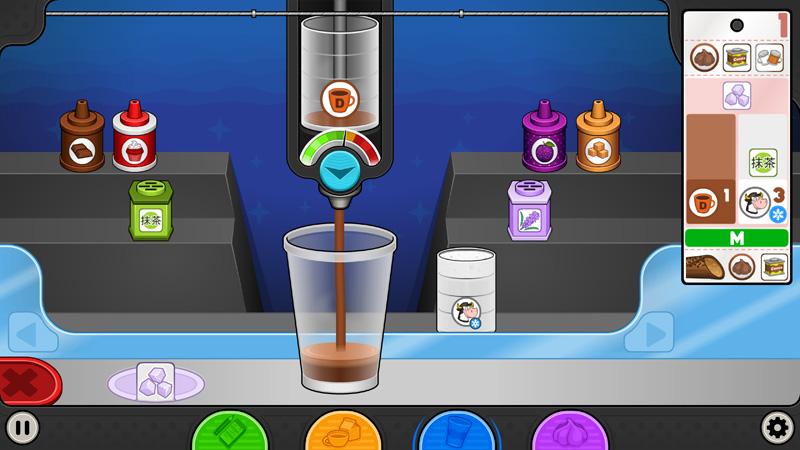
Powders and syrups are much easier to add. Just drag them off the shelves and drop them right into the cup.
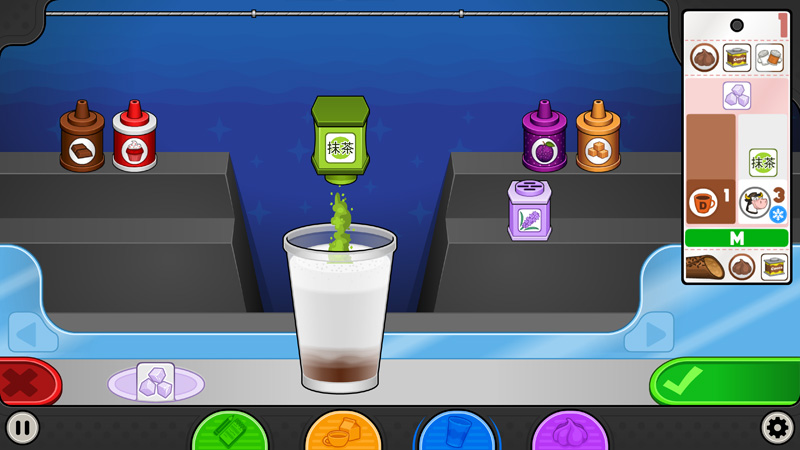
If your order needs ice, drag the cup over to the ice machine and fill it up.
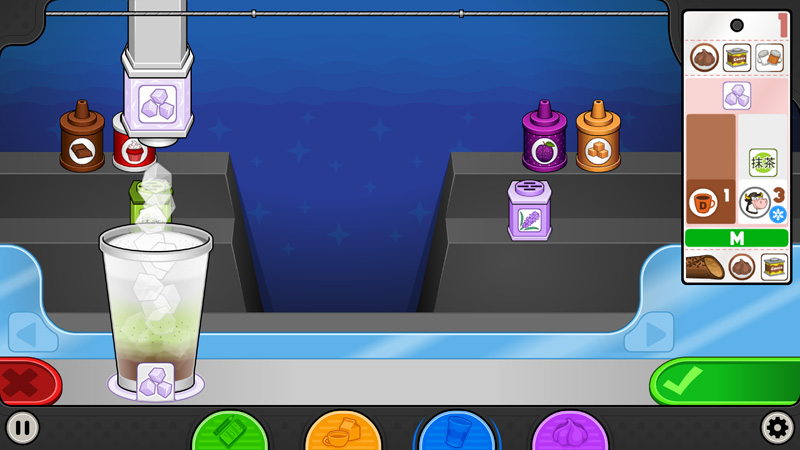
Once the Papaccino is fully built, it’s time to send it over to the Top Station!
You can head over to the game’s page on Steam now to view more information, trailer, and screenshots before the release, and most importantly, add it to your Wishlist on Steam so you don’t miss the launch! Adding it to your Wishlist doesn’t cost anything, and when the game launches on Steam you’ll receive an email letting you know about the release! Click below to view the Steam page, and click the green “Wishlist on Steam” button below to add it to your Wishlist:
Stay tuned for more Sneak Peeks of Papa’s Mocharia Deluxe!
