
Flipline Blog
NEW FLIPDECKS PREVIEWS GAMES Q&A UPDATES FAN ART CONTESTS

Category: Mocharia

Out Now: Papa’s Mocharia Deluxe!

comments Comments Off
By , June 2, 2026 11:01 am

Hey Everyone!

Today is the day! Papa’s Mocharia Deluxe is here and ready to play!
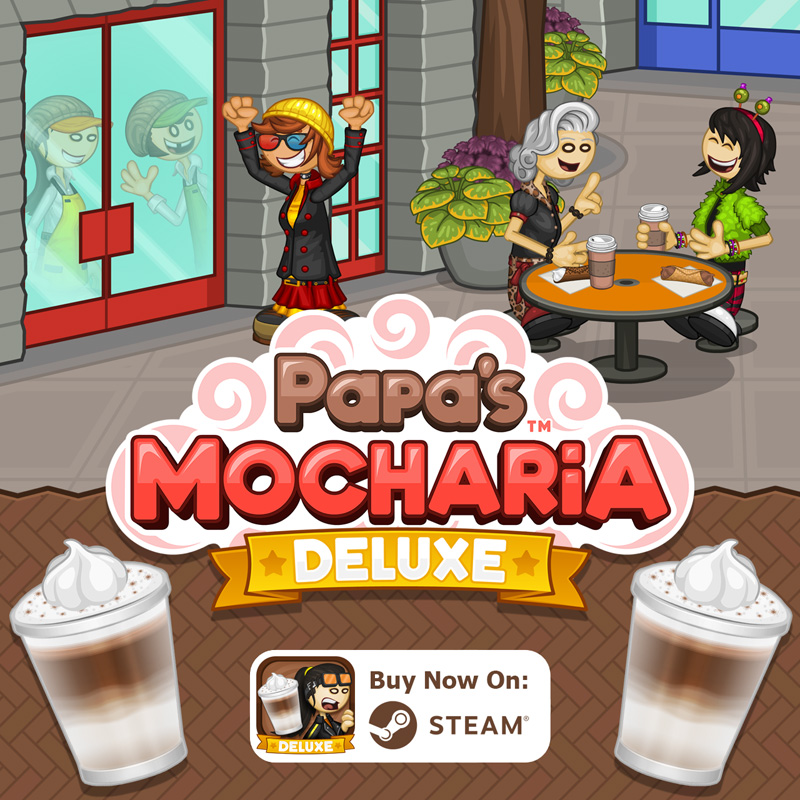
Papa Louie has opened a brand-new coffee shop in New Pepperton, serving up custom layered coffee drinks known as Papaccinos. After landing a job as the barista at Papa’s Mocharia, you discover that a year-long documentary is being filmed about the new coffeehouse — and you’re now the main star! Under the watchful eye of the camera crew, you’ll brew espresso, steam and froth milk, and craft eye-catching layered coffee drinks. Finish the lattes with whip and toppings, and serve them with delicious cannoli to your picky customers. You’ll need to multitask between multiple areas in the coffeehouse, where each station is a unique hands-on experience.

Papa’s Mocharia makes its PC debut! In this deluxe version, the original coffee-crafting experience has been reimagined for mouse controls and larger screens, delivering the classic hands-on gameplay to Papa’s Mocharia for the first time. Even more customers have arrived in New Pepperton to try the famous layered Papaccinos, so you’ll see some fresh faces along with your Mocharia regulars. Along with returning features like Daily Specials and helpful Score Detail breakdowns, this version adds new holiday ingredients, and introduces a Free Play mode with the Mocharia Food Truck!

Celebrate the seasons in the coffeehouse with delicious holiday flavors! As you reach new ranks, the seasons and holidays in New Pepperton will change, and your customers will start ordering holiday-themed drinks and cannoli. You’ll unlock new syrups, powders, dairy, shakers, creams, and cannoli shells for each holiday of the year. You can also buy holiday clothing and decorate the lobby with seasonal decorations to show your holiday spirit!

After you hire a Driver, you can send them out across New Pepperton in your brand-new Mocharia Food Truck! Between workdays, use your imagination to craft your own unique layered lattes and cannoli, then serve them straight from the truck to see who shows up to try your creations. You can also mix and match ingredients from different holidays in the Food Truck for truly unique combinations!

  • Hands-on gameplay for brewing coffee, steaming milk, layering drinks, and crafting cannoli
  • Custom chefs and delivery drivers
  • Food Truck for open-ended free play mode
  • 12 separate holidays to unlock, each with more ingredients
  • 7 exciting Mini-Games to play after each workday
  • Tons of furniture and clothing to decorate your shop and workers
  • Earn and master 40 unique Special Recipes
  • View Score Details to learn from your mistakes
  • Customer Coupons to entice customers to return
  • 90 colorful Stickers to earn for completing tasks
  • Unlock alternate outfits for every customer
  • 154 customers to serve with unique orders
  • 124 ingredients to unlock
 

Sneak Peek: The Top Station!

comments Comments Off
By , May 26, 2026 3:01 pm

Hey Everyone!!!

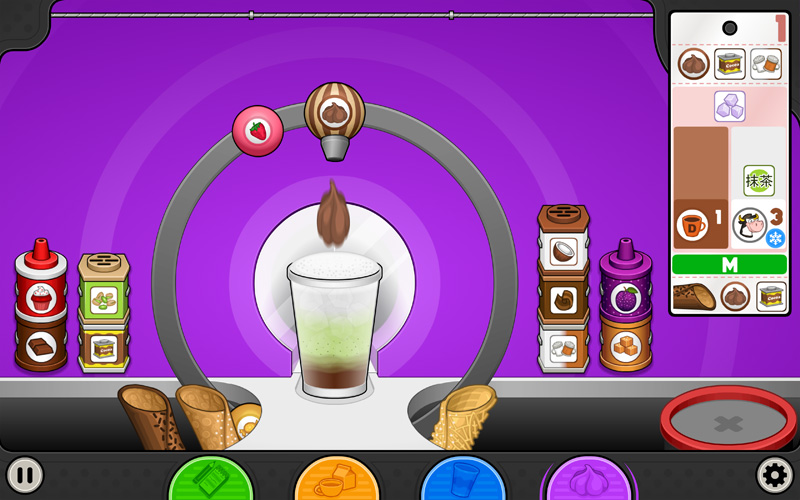
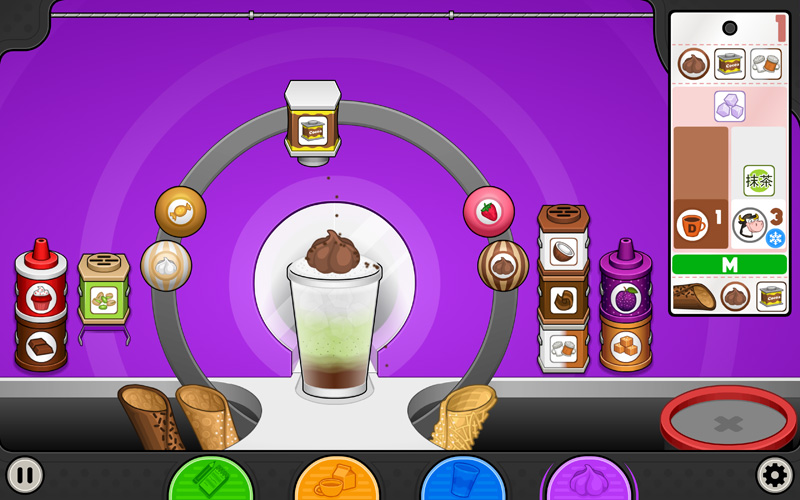
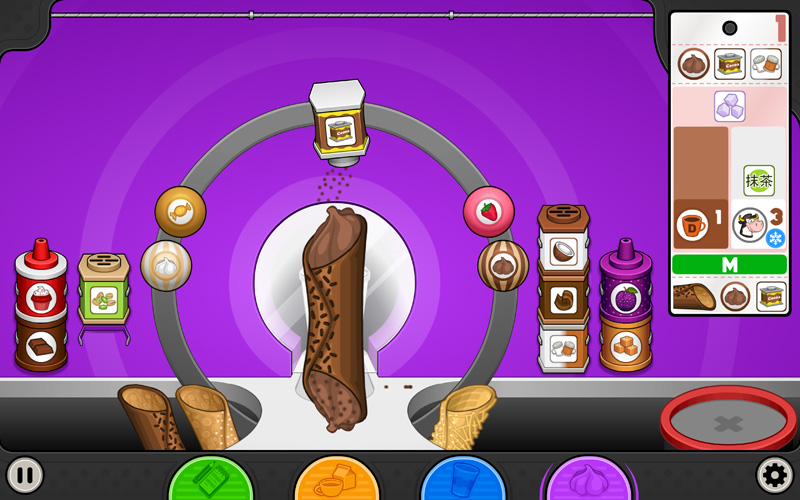
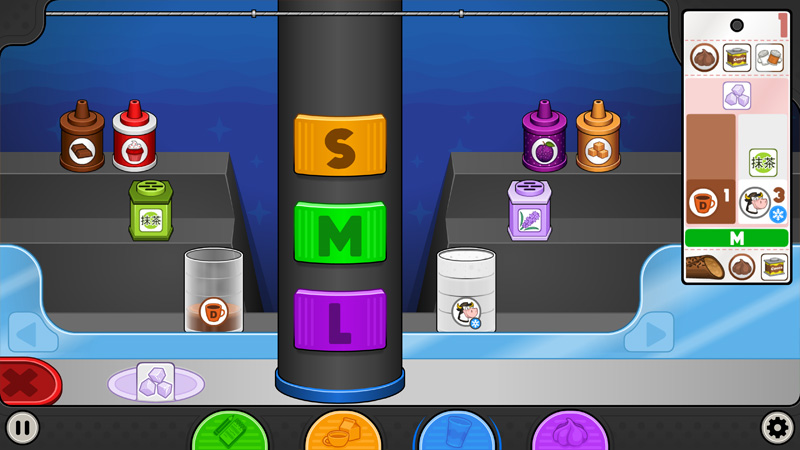
We are back this week with another preview of Papa’s Mocharia Deluxe, and this time we are headed to the Top Station! All of the toppings for a Papaccino are located at the top of the order ticket and are applied from left to right.

The first item on our list is a dollop of chocolate mousse. All creams are placed on a spinning carousel, so all you have to do is grab the cream of your choice and drag it along the carousel until it is positioned over the cup. Center it just right, then release to drop the perfect dollop!

The next two items on our topping list are cocoa powder and cinnamon sugar, both of which are shakers. The syrups and shakers are conveniently located along the back wall of the Top Station. Just grab one from its holder and drag it to the cup. Release the mouse to start pouring, making sure to move left and right in order to cover the top of the drink evenly.

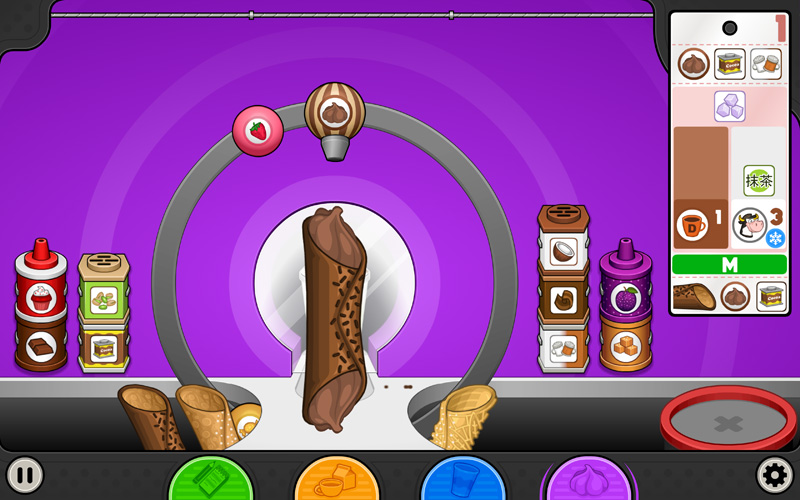
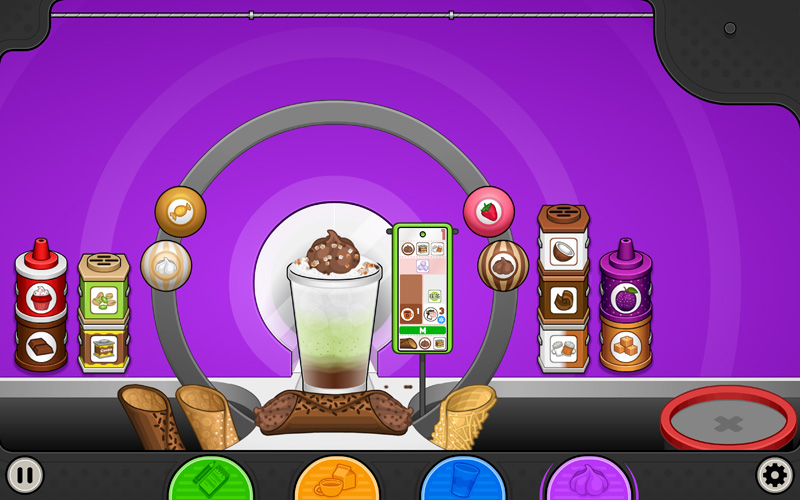
Before, during, or after you make the Papaccino, you can build the customer’s cannoli. The directions for this are located at the bottom of the ticket. First, click on the shell of choice, then drag the cream just like you would for the drink. Only one squeeze is needed to fully fill the cannoli, so you’ll want to make sure it’s nice and centered.

The last piece of the cannoli puzzle is the shaker. Just grab, drag, and release to give it one quick shake. Do this for the other side, and you will have a finished cannoli.

Once both the Papaccino and cannoli are complete, all that’s left to do is drag the order ticket to the green ticket holder and send it off to your patiently waiting customer.

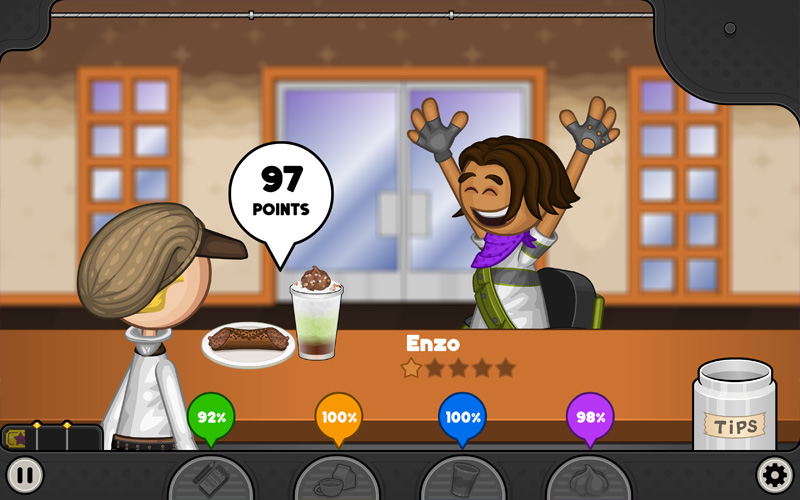
Hey, look at that, Enzo is pleased with his order!


You can head over to the game’s page on Steam now to view more information, trailer, and screenshots before the release, and most importantly, add it to your Wishlist on Steam so you don’t miss the launch! Adding it to your Wishlist doesn’t cost anything, and when the game launches on Steam you’ll receive an email letting you know about the release! Click below to view the Steam page, and click the green “Wishlist on Steam” button below to add it to your Wishlist:

Stay tuned for more Sneak Peeks of Papa’s Mocharia Deluxe!

Sneak Peek: The Brew Station and Build Station!

comments Comments Off
By , May 19, 2026 3:13 pm

Hey Everyone!!!

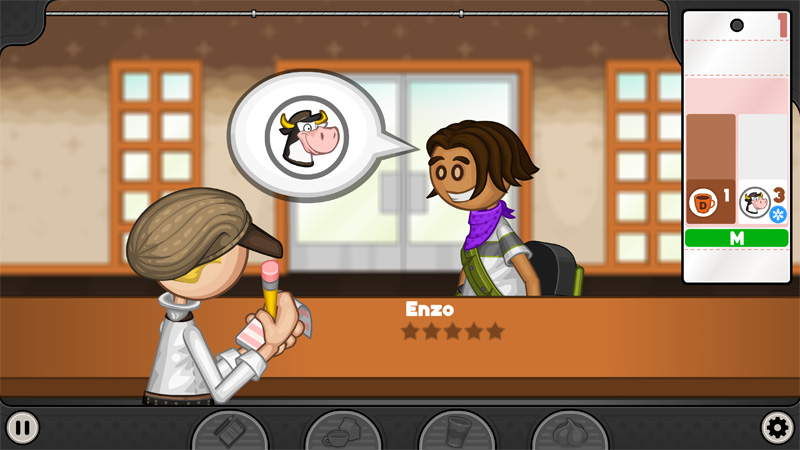
Today we’re going to walk you through the first two stations in Papa’s Mocharia Deluxe! But before we start brewing and building, you’ll need to head to the lobby and take your first order of the day.

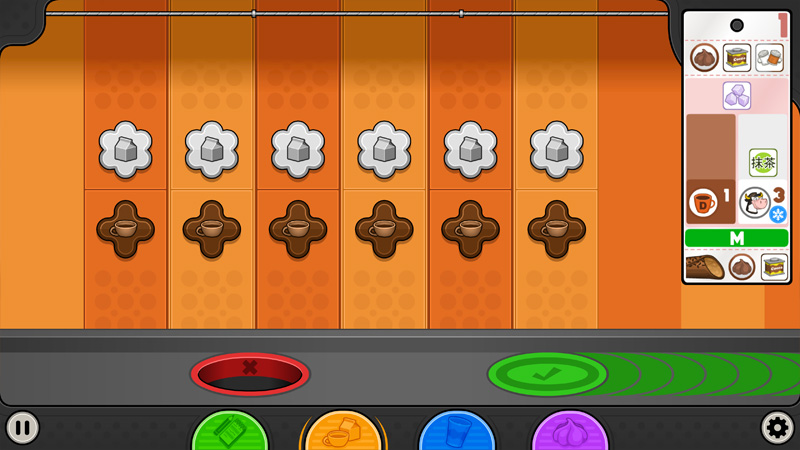
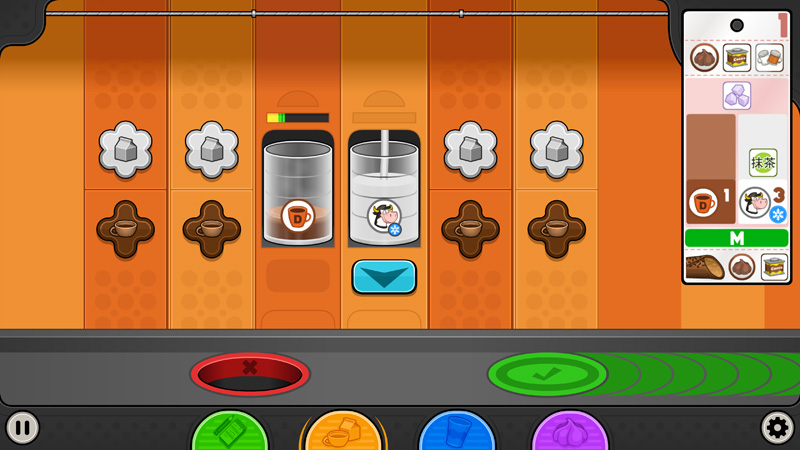
Once that’s taken care of, you’ll head over to the Brew Station, where you’ll prepare the coffee and milk for the order.

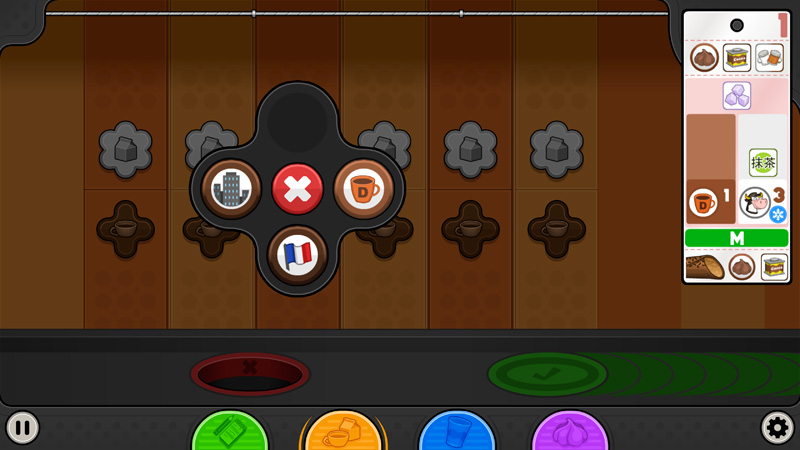
Clicking on the coffee button will bring up a selection menu with all of the available coffees you can brew. For this order, Enzo wants Decaf Coffee.

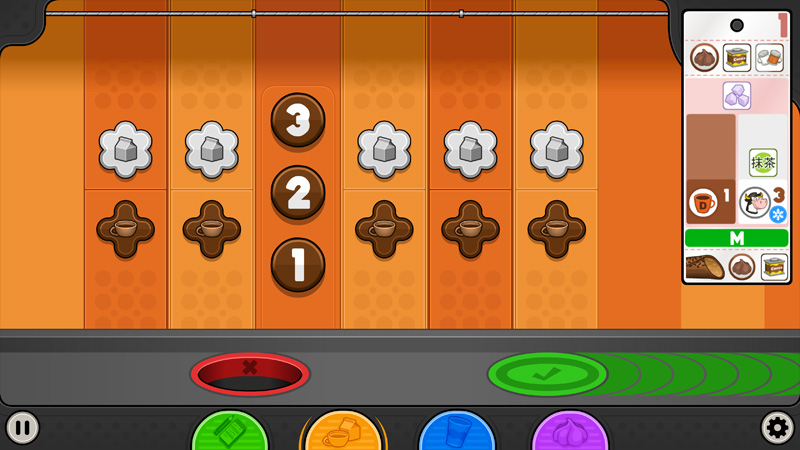
Next, you’ll choose how much coffee to brew. According to the ticket, Enzo only needs one shot.

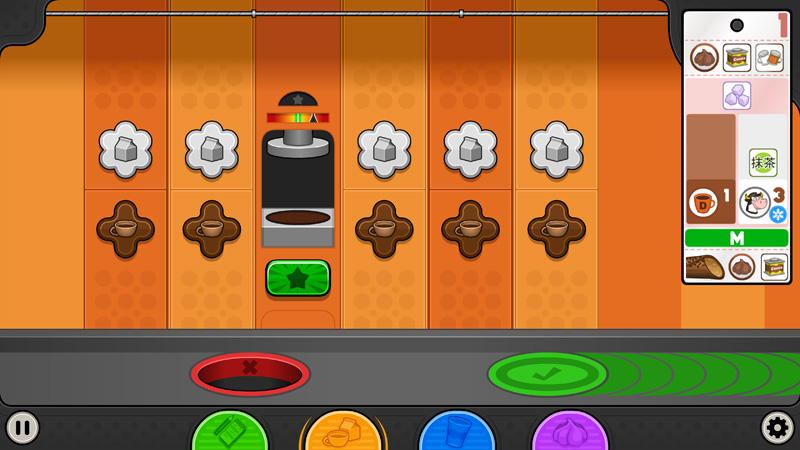
After making your selections, the final step is tamping down the coffee grounds evenly. Use the meter to line up the tamper as close to the center as you can.

When it’s time to froth the milk, you’ll start by choosing the type of milk. For Enzo’s order, we’ll be using regular White Milk. Then you’ll choose whether the milk should be hot or cold. Once that’s set, hold down the blue button to fill the glass with the right amount of milk, using the etched lines as your guide.

It will take a little bit of time for the coffee to brew and the milk to finish frothing. Once they’re ready, drag the tumblers to the green check mark to send them over to the Build Station.

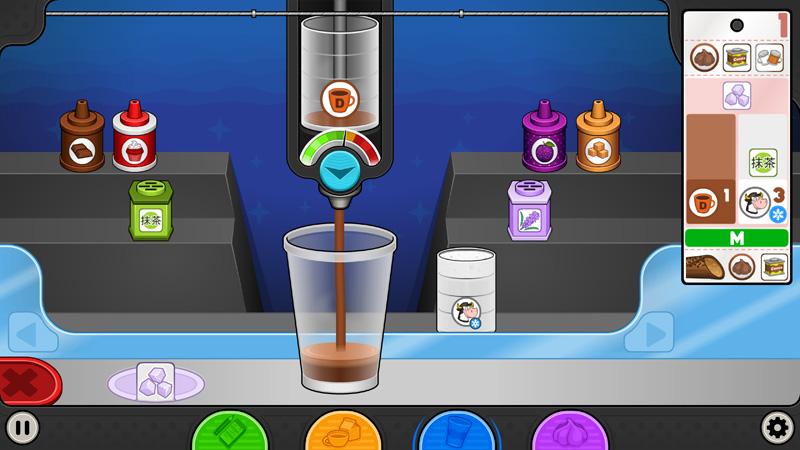
At the Build Station, you’ll first select the cup size that the customer ordered. For Enzo, we’ll be making a Medium Papaccino.

For the coffee and milk, drag each tumbler toward the cup to bring the pouring machine into view. Place the tumbler in the machine, then hold down the blue button to carefully pour the liquid. Keep an eye on the meter, because if it reaches the red zone, the pour might start to get out of control!

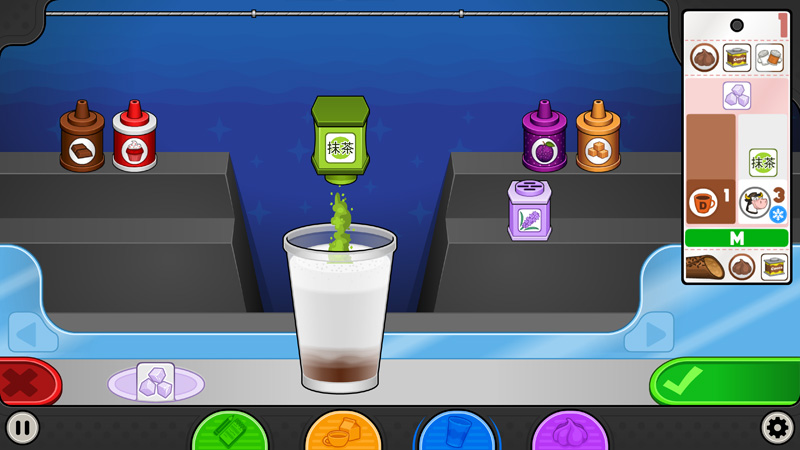
Powders and syrups are much easier to add. Just drag them off the shelves and drop them right into the cup.

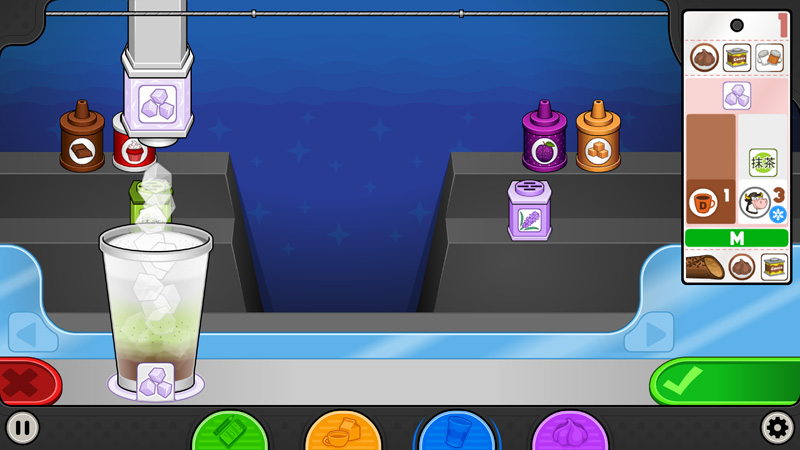
If your order needs ice, drag the cup over to the ice machine and fill it up.

Once the Papaccino is fully built, it’s time to send it over to the Top Station!


You can head over to the game’s page on Steam now to view more information, trailer, and screenshots before the release, and most importantly, add it to your Wishlist on Steam so you don’t miss the launch! Adding it to your Wishlist doesn’t cost anything, and when the game launches on Steam you’ll receive an email letting you know about the release! Click below to view the Steam page, and click the green “Wishlist on Steam” button below to add it to your Wishlist:

Stay tuned for more Sneak Peeks of Papa’s Mocharia Deluxe!

   Home  |   Games  |   Apps  |   About  |   Contact  |   Terms of Use  |   Privacy Policy  |   Blog  |   Forum  |   Shop  |  Free Games for your Site  |  Flipdeck  |   © 2026 Flipline IDS LLC