Hey Everyone!
This week we’ll be going into more detail about how the Food Truck works in Papa’s Cluckeria To Go!
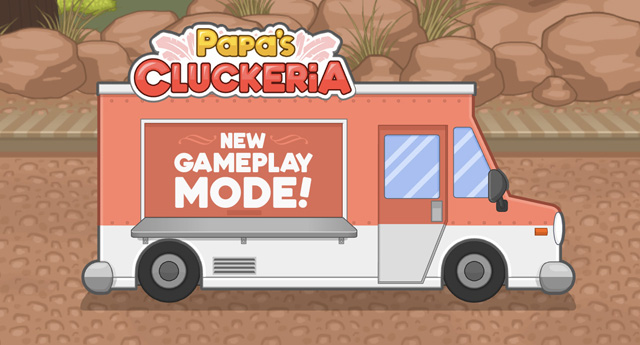
Once you hire a Driver to work for Papa’s Cluckeria, you’ll be able to send them out between workdays in the Food Truck, driving to the outskirts of Oilseed Springs where residents may not be familiar with the new restaurant in town. When you first start a shift in the Food Truck, you’ll notice there aren’t any customers placing orders, and there aren’t any order tickets to prepare: You can make whatever you’d like during free play in the Food Truck!
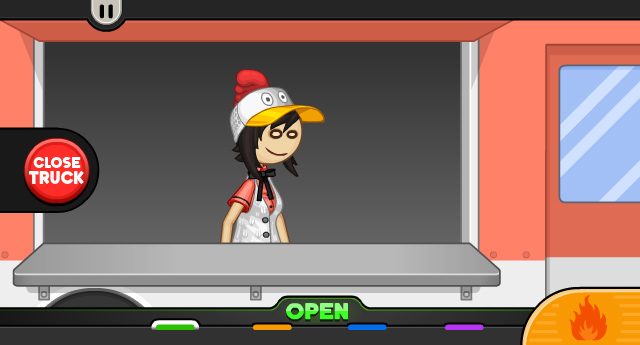
When you switch to the Fry Station, you’ll find all of the meats, breading, and batters that are already unlocked in the restaurant. Prepare meats however you like, and to keeps things moving quickly in the Food Truck, you won’t have to wait long at all for things to cook!
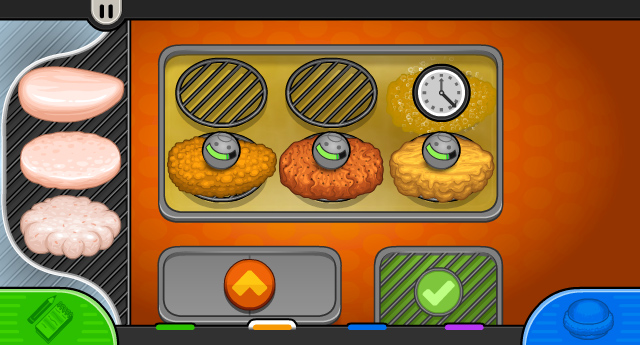
On the Build Station and Slush Station, you’ll also find all of the items that you’ve previously unlocked in the main Papa’s Cluckeria restaurant. Be creative and come up with a unique sandwich order to impress the locals! Once you’ve prepared a swirled slush for the order, it’s time to serve it at the Food Truck counter and see if any passersby are interested in trying your creation!
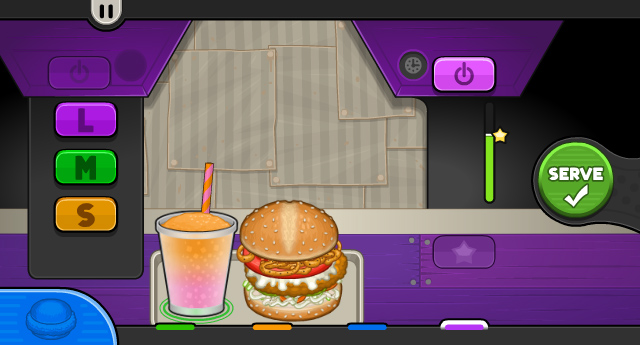
When you serve the order, one of the locals wandering by the Food Truck will stop and decide to buy your sandwich. You won’t earn any points to level up your Rank during free play in the Food Truck, but you can earn some extra Tips and Mini-Game Tickets from the locals between workdays in the truck!
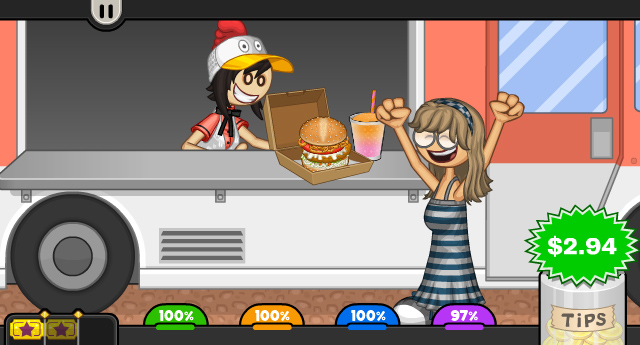
While you’ll usually see unfamiliar locals when working in the Food Truck, if you’d really like to see one of your regular customers arrive, you can prepare their usual order from the restaurant to try to lure them to the Food Truck instead!
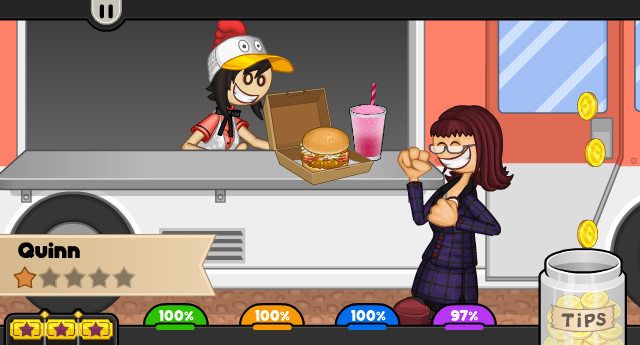
When you’ve played long enough in the main restaurant to start unlocking holidays, those holiday ingredients will also be available to use in the Food Truck. And we have one more fun feature that’s only available when working in the Food Truck: After you’ve unlocked multiple holidays, you can mix and match ingredients from multiple holidays all within the same sandwich and slush order!
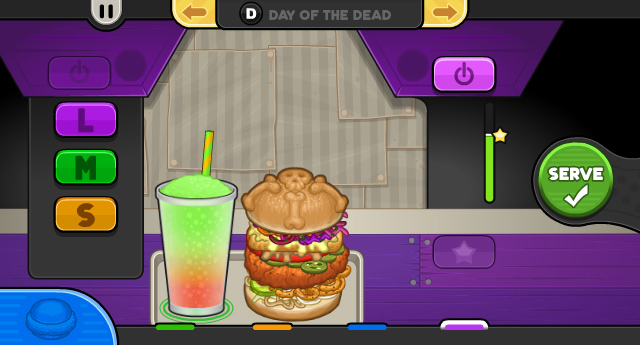
In this sandwich, we’ve used ingredients from multiple holidays as well as some standard ingredients: See if you can guess the toppings and which holidays they’re from!
Stay tuned for more sneak peeks of Papa’s Cluckeria To Go!






 Comments Off